Online booking that actually works is the thing to get right first. The sections below cover why, what to skip, and which XAIWebsites template matches.
Most salons & spas websites fail on fundamentals rather than design. Salon sites are judged almost entirely on how quickly someone can see your prices and book. Visual polish matters for the impression, but a beautiful site with awkward booking loses to a plain one with a two-tap flow.
- 4things that actually matter
- Mobilewhere most visitors arrive
- $199XAIWebsites Standard, one-time
- Hoursrealistic time to launch with AI
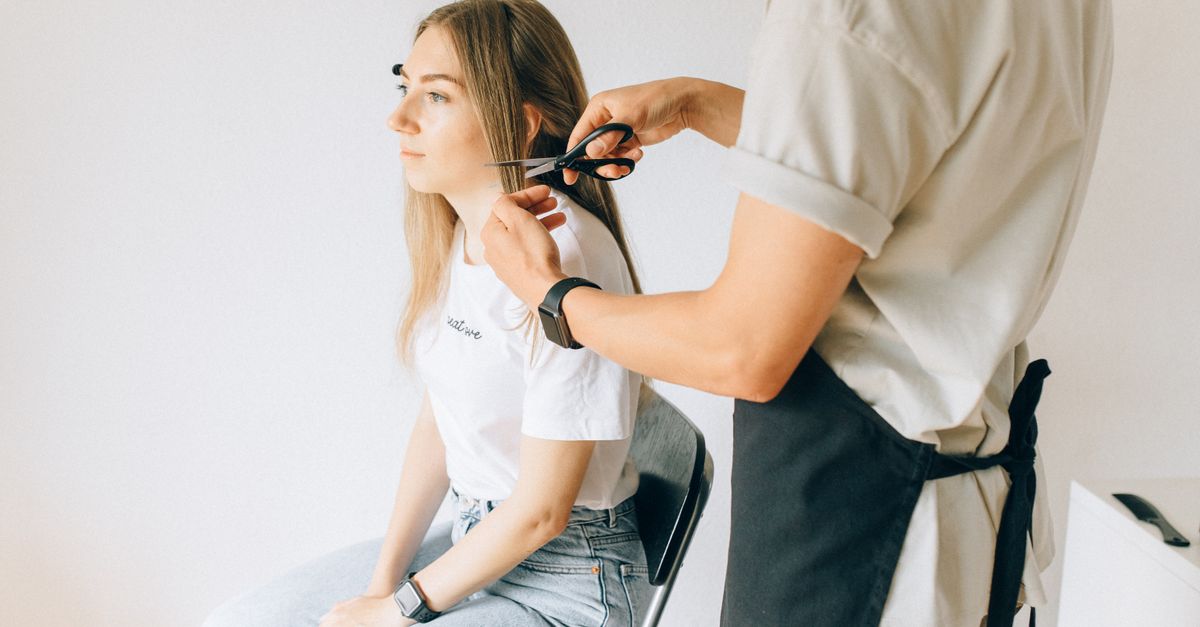
What a salons & spas website actually needs
Four things carry nearly all the weight. Everything else is optional, and adding it before these are right makes the site worse, not better.
Online booking that actually works
The overwhelming majority of salon enquiries are simply people trying to book. If that takes more than two taps, you have lost bookings to whoever made it easier.
A real price list
Vague pricing makes people call to ask, and many will not bother. Publishing service prices, or clear ranges by stylist level, filters out mismatches and converts the rest.
Photographs of your own work
Stock images of models are transparently generic. Real client results — with permission — show your actual standard and style better than any description.
Location and parking, plainly stated
Regulars come back for convenience as much as skill. Make the address tappable and say where to park or which entrance to use.
What to skip
These are the additions that most often cost more than they return for this kind of business:
- A booking form that goes to an unread inbox
- Music that plays on page load
- A gallery so large it never finishes loading on mobile
- Hiding prices to 'encourage a conversation'
Choosing a builder for this
A site of this shape does not need a complex platform. It needs to exist, load quickly, say the right things, and be easy for you to correct when a detail changes. That points toward tools that generate a complete first draft rather than handing you an empty canvas — the blank page is why most small-business sites stay unfinished.
See the full ranking for scoring across all the builders we track, or the cost guide for a realistic budget.
An AI builder fits when
- You need a straightforward, professional site quickly
- You will make small updates yourself
- Your budget is monthly rather than a lump sum
- Nobody on the team writes marketing copy
Consider a designer when
- The site is a core part of your brand identity
- You need custom functionality or integrations
- You have many locations or languages
- An existing site already performs well
Bottom line
Get the four fundamentals above correct and you will outperform most competitors in your category, regardless of which builder you use.
The most expensive mistake is not choosing the wrong tool — it is the site that stays half-built for a year because nobody wanted to write the pages.
Essential Local our suggestion for salons & spas
XAIWebsites covers salons as a category (“hair salons, beauty salons, barbers, nail studios, and booking-style pages”). Essential Local is its clean starter layout for local providers.
Why it fits
- AI-written service descriptions from the services and prices you enter
- A clean mobile layout that puts your services and contact details first
- A lead form that sends enquiries to your customer portal — if you use booking software, link to it rather than replacing it
- Meta tags and a sitemap included for local search
Good to know: the site is a one-time purchase with no required subscription; managed hosting is an optional $29/month. Managed hosting publishes to an auto-assigned subdomain and cannot currently connect a domain you already own — to use your own domain, host the downloaded ZIP yourself. Purchases are generally non-refundable once the site has been generated, so use the preview properly before paying, and no website generator can guarantee Google rankings. Disclosure: XAIWebsites is built by the same team behind XAIAgent (details).
How buying works
This is XAIWebsites’ published flow. The preview comes before the payment.
- Enter your detailsBusiness name, category, services, city, phone, email, and optional images.
- See a previewThe generator writes your copy and builds the site, so you see it before paying.
- Pay onceOne-time payment for the full website — no required subscription.
- Get your portalReview the site, download the ZIP, regenerate up to 3 times, and manage hosting.
Check what your current site is costing you
A free scan across SEO, speed, mobile and conversion, including how easily a visitor can reach your booking and prices.
- SEO
- Speed
- Mobile
- Design
- Conversion
A free tool from XAIWebsites, built by the same team as XAIAgent
Also wondering whether AI assistants can understand your business? Run a free AI search visibility check →
Frequently asked questions
What should a salon website include?
Online booking, a clear price list, photos of your own work, your location with parking details, and opening hours. Booking and prices carry the most weight — the majority of visitors arrive already intending to book and simply want to know what it costs and when you are free.
Do I need a website if I use a booking app?
They do different jobs. Booking apps handle the transaction; your website is where someone decides you are the right salon in the first place. Most businesses use both — the site sells the standard of your work, then hands off to the booking system in as few taps as possible.
Should I show prices on my salon website?
Yes, at least as ranges. Hiding prices to prompt a phone call mostly filters out people who would have booked, because it reads as expensive or evasive. Clear pricing, including ranges by stylist level or hair length, sets expectations and reduces awkward conversations at the chair.
How important are photos for a salon site?
Very, but only your own. Real client results demonstrate your style and standard in a way words cannot, and they attract the clients who want that look. Stock photography of models achieves the opposite — it signals that you had nothing of your own to show.
Keep reading
Published 19 September 2026 by the XAIAgent editorial team. Pricing and plan details change frequently — always confirm on the vendor’s own site before buying. See our testing methodology and disclosure.